HD Video Capture Box 1080P 60FPS USB 2.0 Video to Digital Converter with
5" OLEDUSD $179.99
Condition : New
Free Shipping

Notify me when the price drops
We will email you if we find a lower price on this product!
- Multi-functional FHD Video Recorder-Digitize your Old Videos
So many old video tapes or camcorder tapes in your closet or basement there is no way to deal with?
Let's try DigitConvert Multi-functional FHD Video Recorder.
With DigitConvert Video to Digital Converter, you can:
- Record video from VHS, VCR, camcorder, Hi8, DVD, Mini DV to micro SD card or USB flash drive. No computer or software is required.
- While recording, output to TV (support NTSC or PAL) or other monitors with HDMI or RCA input.
- Connect to your computer via type c port; copy your recorded videos from SD card to your computer.
- Save room while preserving your old good memories.
What's the difference between DigitConvert Video to Digital Converter and other brands'?
DigitConvert digital converter supports both AV and HDMI video sources, with recording resolution up to 1080P, including 720P, while other brands' only supports RCA or AV, without 1080P quality. With our converter, restore and share not only your old family memories but full hd video sources. You will have more choices and enjoy better recording quality.
Tip: Recording quality depends on your video sources.
Convert Video to Digital Format- Connect to any RCA or HDMI video sources (VHS, VCR, Camcorder, Hi8, DVD or other av sources).
- Record in 720P or 1080P to SD card or USB flash drive.
- Record with one button to digital files (MOV).
0utput TO TV or Other Monitors- The converter can output recorded video to TV or other monitors via HDMI or AV port, so you can preview video while recording.
- When connected to TV or other monitors, the video capture box display will show black screen. Don’t worry, for it’s still recording. You can watch your recording process while recording.
Copy Recordings to Your ComputerCopy your recorded video to a computer via type-c port, so you can edit it.
For this, you should:
1. Make sure your video capture box has recorded video in SD card.
2. Set USB Mode as MSDC.
3. Connect the included Type-C cable to your computer.
Tip: Only SD card read when the converter connects to a computer.
Built-in Full Stereo Speakers- Video Capture Card is built-in full stereo speakers. You can enjoy your wonderful video sound, which make you immersive.
- Preview your video on large 5" OLED Screen.
Plug in SD card or USB Flash Drive- The included SD card is 64G, with the maximum capacity of 128G.
- The video to digital converter is best to work with the included SD card or other ones with 10 or higher class speed, or there may be bugs or glitches happening during recording.
- A tip for formatting SD card will appear when it in first use or with format error.
Wide Compatibility- Accept any input source with RCA/AV/HDMI output (VCR, VHS, Hi8, Camcorder, DVD, TV BOX & Gaming Systems).
- Support any 720P/1080P input Source, including mordern FHD Video Source.
Multifunctional Settings- Built-in 1800 mAh Battery
- 5" OLED Preview Screen
- Auto-Stop Feature
- Video Source Setting (HDMI, AV)
- Record Quality Setting (720P, 1080P)
- USB Mode Setting (Charging, MSDC)
- Language/Date Setting
Technical Specifications: Dimensions 142.2x85.9x12.6mm Interface USB 2.0 Audio/Video Input HDMI, AV (support input sources with HDMI/AV connection, so check your video source for compatibility before purchasing.) Video Output HDMI, AV, 5" OLED Audio Output HDMI, AV, built-in stereo speakers System Requirement No computer required to record/playback; To transfer videos to computer: PC(Win) or Mac required Resolution Input/Pass-through:720x480(60p),720x576(50p),1280x720p(60p),1920x1080(50i),1920x1080(60i),1920x1080(50p),1920x1080(60p) Max. Storage Capacity 128G Record Quality 720P/1080P Record Format MOV (Tip: Check if your video editor supports MOV. video file before purchasing, or you will need transfer them.) Max. MOV File 4 GB Battery 1800mAh (approximately 1 hour of recording and 2 hours of playing back) DC/USB Power Input 5V What's included Multifunctional FHD Video Recorder, Miro SD card, HDMI cable, AV cable, TYPE-C USB Cable, User ManualHere's how it works:
- Connect Multi-functional FHD Video Recorder to your HDMI or AV source.
- Insert your Micro SD card (included) or USB flash drive (not included) into the video recorder. Your recorded video will be saved on this drive (before using a USB flash drive or a SD card, please set the format as FAT32 or exFAT).
- Set video source (AV or HDMI) and record quality (720P or 1080P).
- Press the "Record" button to start to record video. You'll be able to see your video on the 5'' OLED screen as it transfers.
- Press the "Record" button again to stop recording (or use the "Auto Stop" feature to stop recording after a preset amount of time). (Do not skip this step, or the recorded files will become corrupted.)
- Press the play button, and you can play your recorded video.
- Remove the SD card or USB flash drive and insert it to your computer for restore or editing.
Troubleshooting:
Q: What to do when there is no response?
A: Reset the vhs to digital converter by pressing the hidden hole at the back.
Q: SD card not working?
A: We recommend the included SD card or other ones with 10 or higher class speed, or there may be bugs or glitches happening during recording.
About Recorded video:
1.This Video to Digital Converter will automatically split long recordings into 4GB MOV video files. If you like, you can combine the split files into one on your computer. Therefore, check if your video editor supports MOV. video file before purchasing.
2. This video capture device support 720p or 1080p output. With 1080p output, a 30 minute recording can take up a 4GB MOV file; with 720 output, a 50 minute recording can take up a 4GB MOV file.
3.While recording, the video converter will automatically save the recorded video once it reaches 4GB limit. For those under 4GB, they will disappear after resetting the device, if they are not manually saved (To save recorded video manually, just press the recording button again after you press it to starting recording).
NOTE
Please note that when you start recording a video, Long pressing this "NEXT" button , then a red timer and "REC" appear in the upper right corner, indicating successful recording.

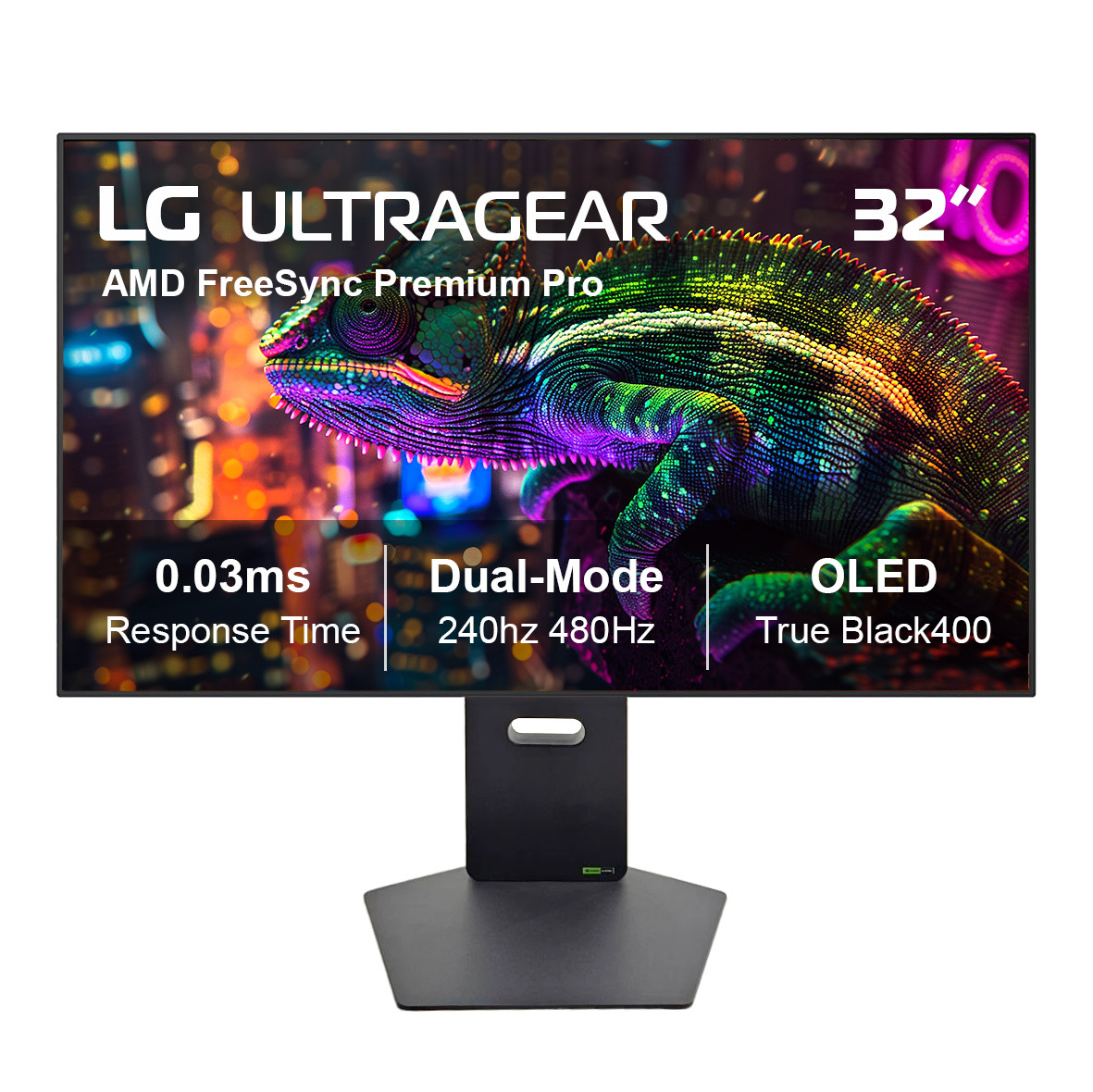
LG UltraGear 32" OLED 4K Dual-Mode FHD 480Hz 0.03ms AMD FreeSync Pro 32GX870A-B
By Unbranded

$799.99
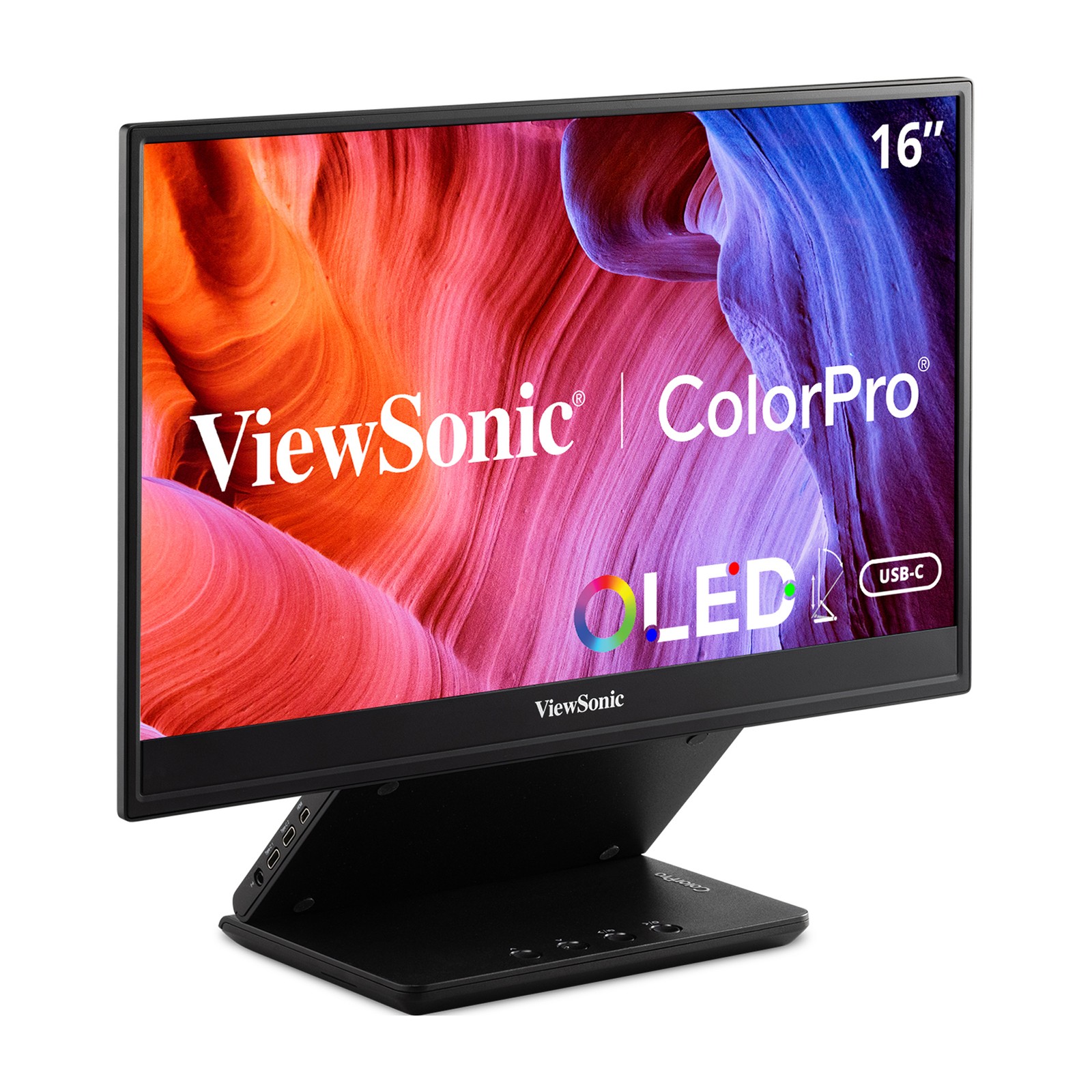

ViewSonic VP16-OLED 15.6 Inch 1080p Portable OLED Monitor with 2 Way Powered 40W
By Unbranded
$320.17




 .
.
